Do You Need a Magic Keyboard?

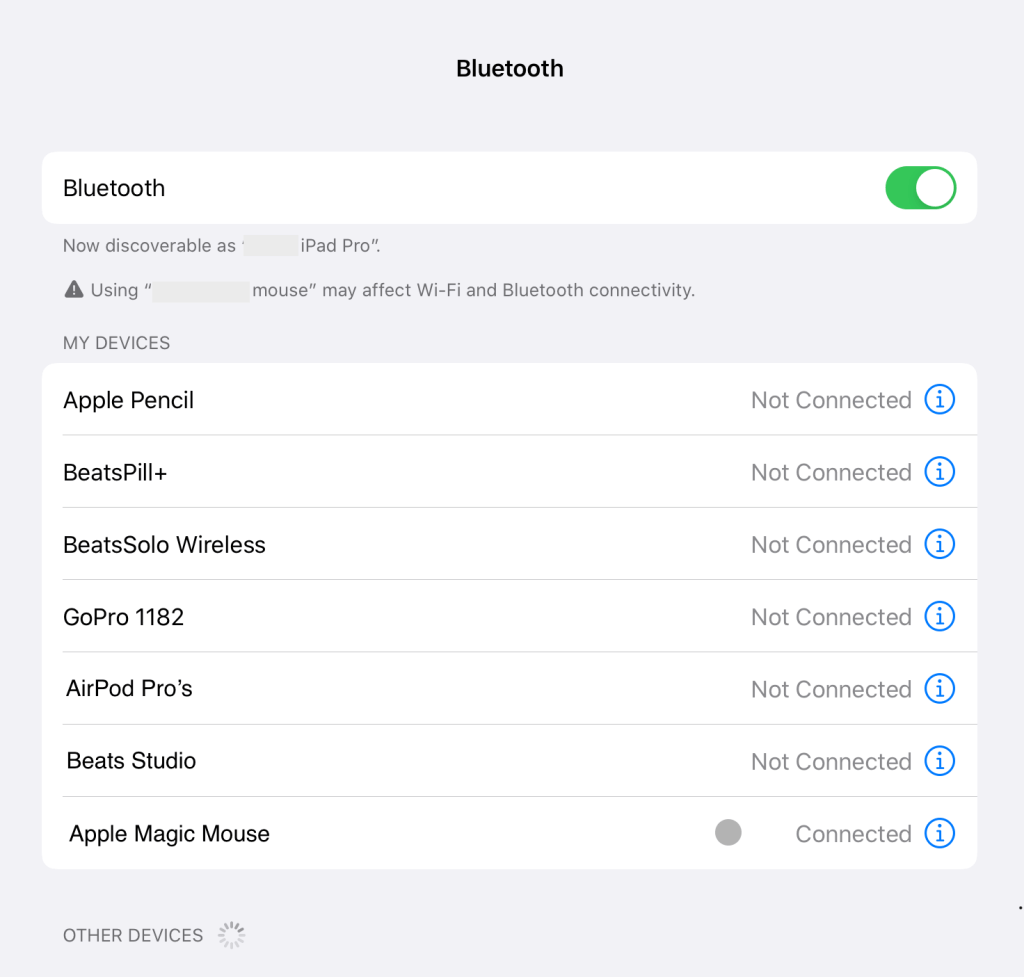
Apple announced the Magic Keyboard a few weeks ago and it will be available in late May. But do you really need one if you are using a Smart Keyboard already and you have a spare Magic Mouse lying around. Connecting the Magic Mouse to your iPad is pretty straight forward. Make sure you have upgraded to iPadOS 13.4. Then go to Settings > Bluetooth and your iPad Pro should detect your mouse once turned on.

Once its connected you’ll see the mouse cursor in the form of a grey dot. You can change its colour, size and speed in Settings > General > Trackpad & Mouse. Give it a try, it’s pretty cool, it makes your iPad Pro really feel like a MacBook and if your iPad Pro is your main device, it will be hard to give up the control of a mouse for editing documents and moving around the screen. It feels so natural plus Apple has made the cursor change shape based on context.
Covid 19 Staying at Home

We’re lucky to have technology at our finger tips. Working at home is so easy with virtual connectivity to the office, colleagues and clients. We’ve been use to our iMac or MacBook but now armed with an iPad Pro and a physical keyboard, working at home is just as easy. Almost every app you need is iPadOS compatible. Tools like FaceTime, Skype, Zoom and other virtual face to face apps are all the latest craze in these Covid 19 times. Many of us could be working from home for up to six months. Kids are taking virtual classes till the end of the school year. For personal communication we like FaceTime (Apple to Apple devices only) but for business communication Zoom works across platforms.

Stay safe and enjoy your time at home!

Magic Keyboard

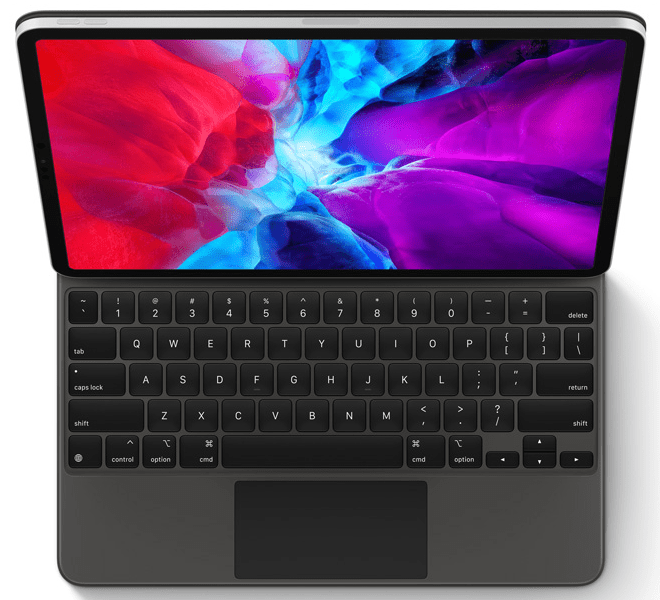
Apple announced the Magic Keyboard this week and it will be available in late May. If you are using the current Smart Keyboard well you in for a treat. The Magic Keyboard is a full‑size keyboard with backlit keys and a scissor mechanism. It also has a built-in keypad with Multi‑Touch gestures and a cursor for iPadOS. This will make creating and editing documents so much easier and could make the iPad Pro a true business tool.

Compatible with

  • iPad Pro 12.9‑inch (3rd and 4th generation)
  • iPad Pro 11‑inch (1st and 2nd generation)

iPad Pro 4th Generation

Apple just released the new 4th Generation iPad Pro 11-inch and 12.5-inch and iPadOS 13.4. The new iPad Pros are marginally faster than the previous generation but have Pro cameras that could be used for film making. It has a new 12M ultra wide camera and a LiDAR (Light Detection and Ranging) Scanner used for measuring how long it takes light to reach an object and reflect back perfect for Augmented Reality (AR). Apple is calling the new iPad Pro with the addition of the newly announced Magic Keyboard, A Computer that is not a Computer. The new Magic Keyboard is what will make the difference. Apple has indicated that the Magic Keyboard is backward compatible with the previous generation 2008 iPad Pro.

iPadOS

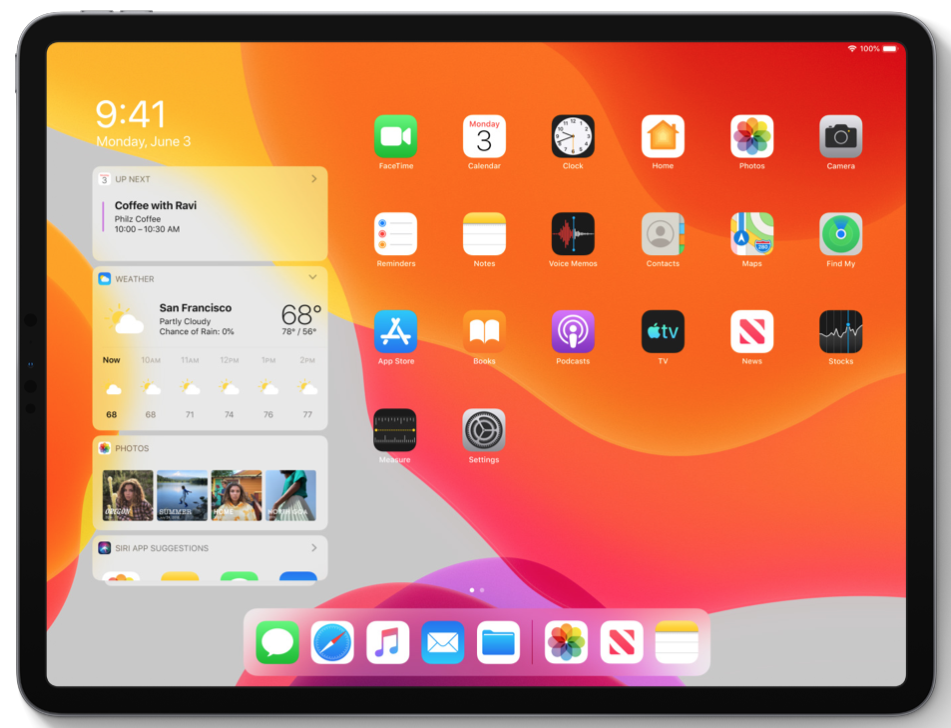
This blog was created because we believed that the world is changing as Apple had created a bigger iPad Pro to challenge the MacBook. The question was is it a laptop replacement? Now Apple is planning to release iPadOS which is built on the same foundation as iOS. With powerful apps designed for a large Multi‑Touch display. Multitasking made simple with intuitive gestures and the ability to drag and drop a file with a fingertip. See a preview.